
You shot great product photos, then spent hours setting up lighting and angles. After that, finally you uploaded them to Amazon. Then the nightmare starts.
Your listings get suppressed. Your images look “muddy” or cheap next to competitors. Worst of all? Your conversion rate is tanking while customers scroll past without clicking.
What went wrong? In most cases, it’s poor white background product photography.
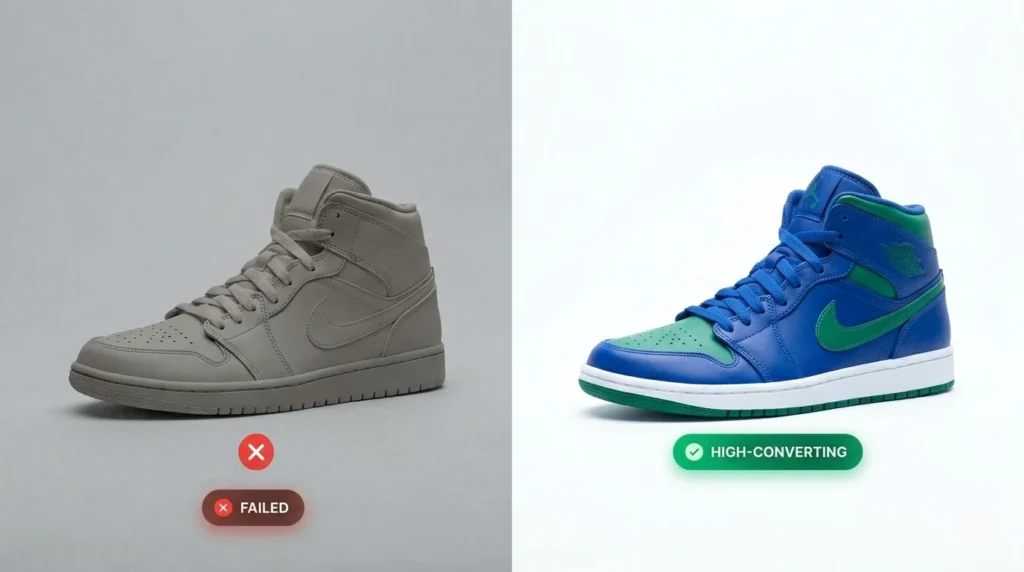
Based on our experience editing over 50,000+ product images for top-tier Amazon sellers at Clipping Path Zone, we’ve identified the exact factors that make or break visibility and sales. In 2026, Amazon’s AI-driven systems don’t accept “white-ish.” They demand pure, clinical perfection — exactly RGB 255, 255, 255. Anything less can silently destroy your rankings and revenue.
What is White Background Product Photography for Amazon?
White background product photography is the process of capturing and editing product images on a pure white background (RGB 255, 255, 255) to meet Amazon’s strict main image requirements. It improves search visibility, ensures account compliance, and dramatically increases conversion rates by making products appear clean, professional, and completely distraction-free.
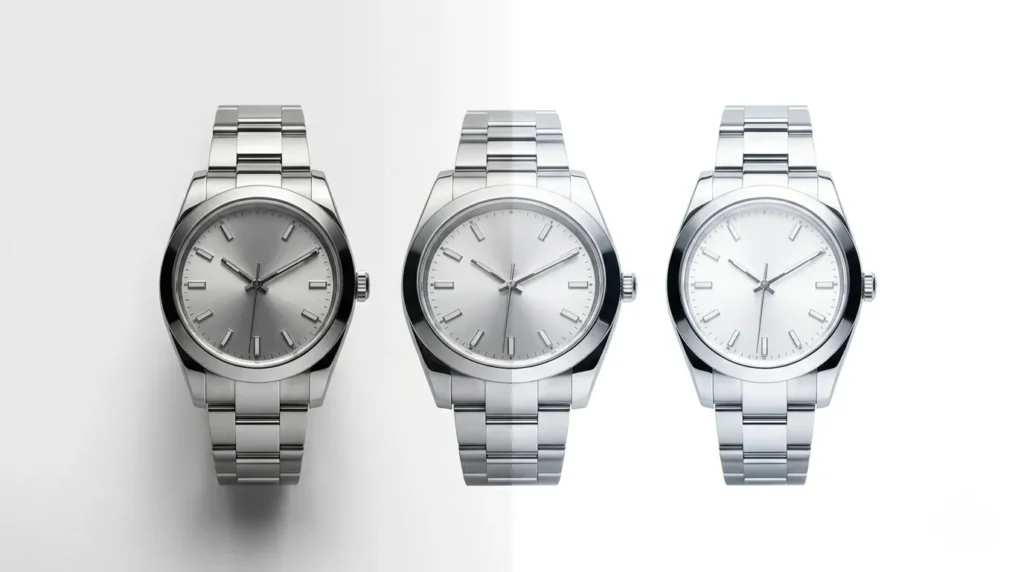
In this guide, you’ll discover the 10 hidden secrets top Amazon sellers use to create high-converting images. These practical tips will help you pass Amazon’s checks, avoid listing suppression, and boost your sales in 2026.
Ready to stop being invisible? Let’s dive in.
Why White Background Product Photography Still Dominates E-commerce in 2026
A pure white background removes every visual distraction, allowing your product to stand out instantly. On mobile screens and crowded marketplace grids, it makes products “pop” and instantly builds buyer trust.
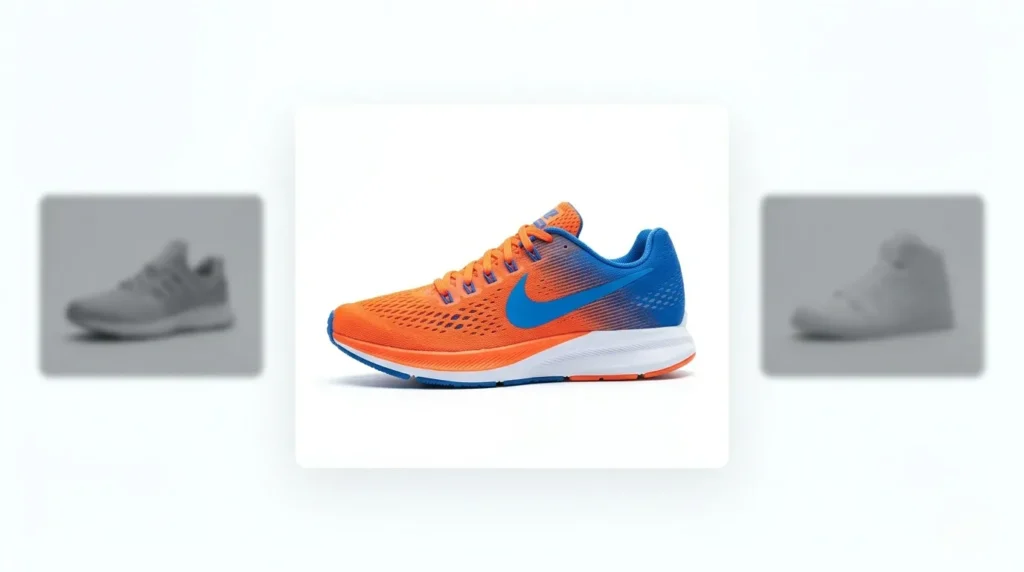
Statistics show that over 90% of top-performing Amazon listings use pure white for the main image. It’s not just a style choice — it’s a powerful conversion machine that improves grid visibility, click-through rates, and perceived product quality. Non-compliant images often get suppressed, resulting in zero visibility and zero sales.
But getting it right is far more technical than simply placing an item in front of a white sheet.
Amazon Product Image Requirements 2026: Exact Rules You Must Follow
Amazon’s main image guidelines are stricter than ever. Here is your complete 2026 compliance checklist:
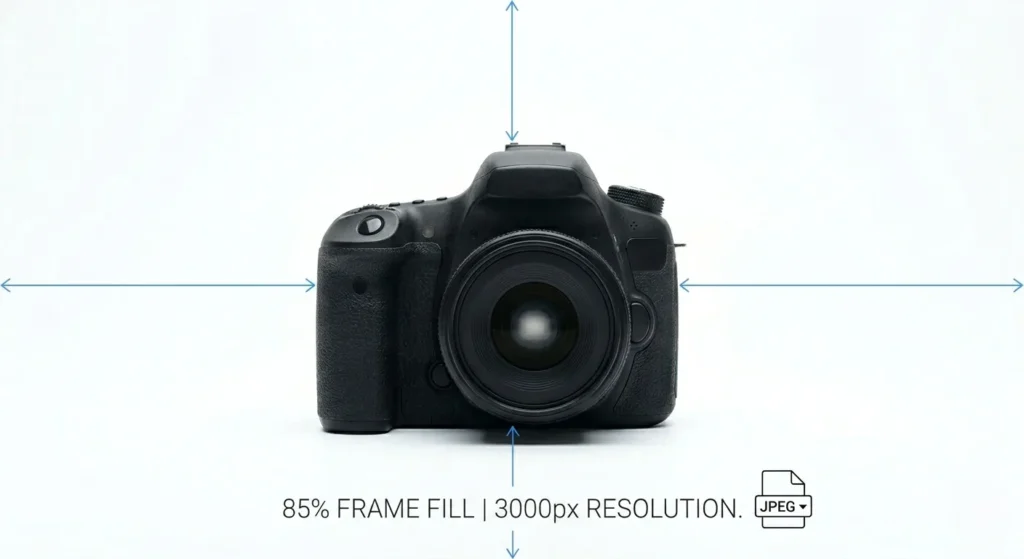
- Background: Must be pure white — exactly RGB 255, 255, 255.
- Frame Fill: The product must occupy 85% to 100% of the image area.
- Resolution: Minimum 1000 pixels on the longest side (strongly recommend 2000×2000 to 3000×3000+ pixels for smooth zoom).
- No Clutter: No text, logos, watermarks, props, or multiple views on the main image.
- File Type: JPEG preferred for faster loading and indexing.
Quick Compliance Table
| Requirement | Amazon Standard | Pro Recommendation |
|---|---|---|
| Background Color | RGB 255, 255, 255 | Verify with Eyedropper Tool |
| Image Size | Min 1000px longest side | 2000–3000px for best zoom |
| Product Scale | 85%+ of frame | Consistent padding across the catalog |
| Format | JPEG, TIFF, PNG | JPEG for faster loading |
Step-by-Step: How to Create Perfect Amazon White Background Images
If you’re handling this yourself, follow this proven professional workflow:
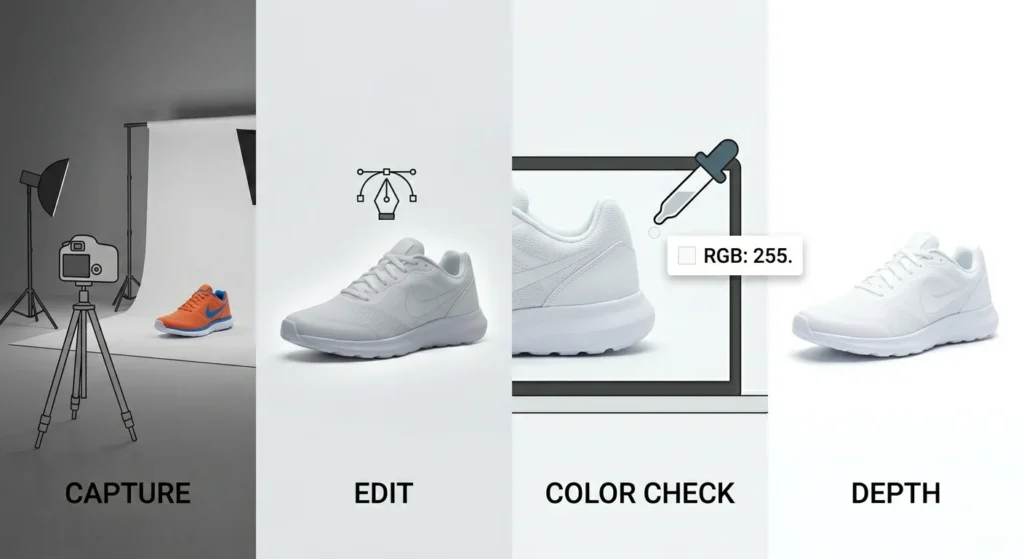
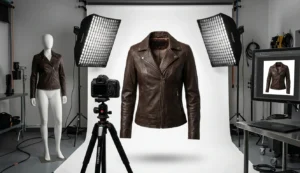
- Set up: Use a seamless white backdrop or professional lightbox.
- Lighting: Light the background approximately 2x brighter than the product.
- Capture: Shoot in high resolution (at least 2000px) using a tripod for sharpness.
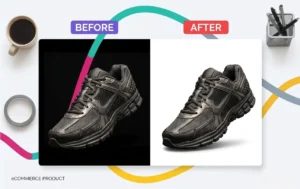
- Edit: Remove the background with a hand-drawn clipping path.
- Color Check: Adjust levels to achieve exact RGB 255 on the background.
- Depth: Add a natural or drop shadow so the product doesn’t look fake or floating.
- Export: Save as high-quality JPEG with optimized metadata.
Framing & Composition Standards
Background color is only half the battle. How the product is positioned within the frame determines whether your entire catalog looks professional or chaotic.
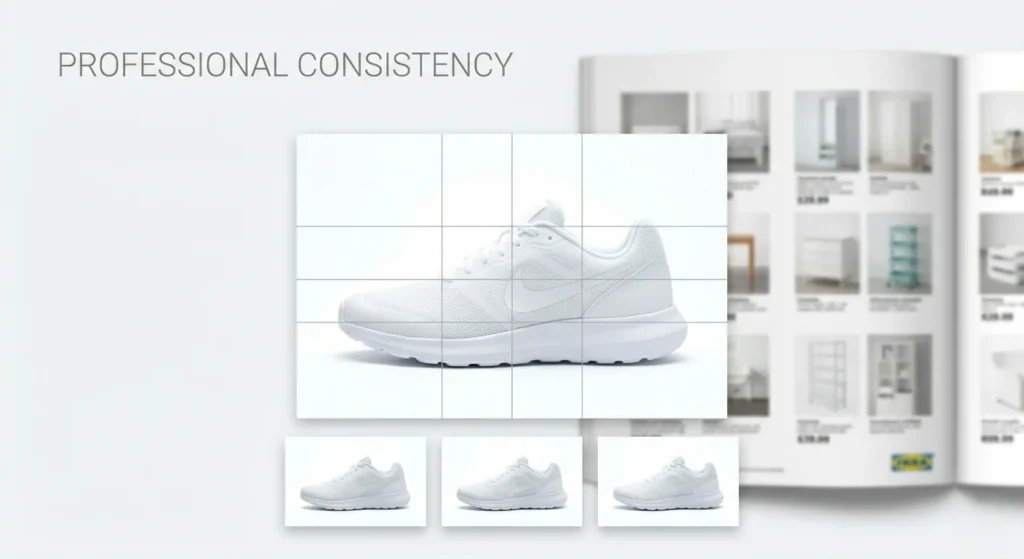
Inconsistent spacing is one of the quickest ways to make your store look amateur. One product is tightly cropped while another floats in excessive white space — shoppers notice this imbalance even if they can’t explain why.
Pro Rule: Maintain consistent padding on all sides. The most effective white background product photography gives every item a similar visual weight. This creates a unified, trustworthy grid. Top brands like IKEA apply this principle across thousands of SKUs, building massive consumer confidence.
Consistency at Scale
One perfectly edited image is manageable. Maintaining the same white tone, shadow style, framing, and edge quality across 500+ products is where most sellers struggle.

Visual inconsistencies create subtle friction that causes buyers to hesitate and scroll past. Global retailers like Uniqlo keep their white background product photography remarkably consistent across entire collections — that’s why they appear premium even at a massive scale.
Pro Tip: Create one editing template with fixed cropping, padding, and color balance, then apply it to every image.
The 10 Powerful Secrets Top Amazon Sellers Use

Secret 1: True RGB 255 White Is Non-Negotiable
Most sellers believe their background is white, but it’s often a light grey or warm tint. Amazon’s AI detects this instantly.
Pro Fix: Always check with the Eyedropper Tool in Photoshop. If values are below 255, use Levels or Curves to push the background to exact RGB 255 while carefully protecting product details and edges.
Secret 2: Light Your Background 2x Brighter Than the Product
This studio lighting hack is one of the biggest time-savers.
Pro Tip: Dedicate separate lights to overexpose the backdrop. For jewelry, use a diffused lightbox. For larger items, add rim lights — but prevent light spill that can blur edges.
Secret 3: Never Remove All Shadows (The 3 Golden Styles)
Completely shadow-free “floating” products look cheap and artificial. Smart shadow creation for e-commerce adds realism and perceived value.
- Drop Shadows: Best for shoes, boxes, and flat items — creates a grounded, lifted look.
- Natural Shadows: Retains subtle realism from the original shoot.
- Reflection Shadows: Ideal for jewelry, cosmetics, and glass — delivers a polished, premium “mirror” effect.
Brands like Glossier use soft shadows to keep products feeling present rather than pasted on.
Secret 4: The 85% Frame Rule & Consistent Padding
Amazon wants your product to dominate the frame.
Rule: Fill at least 85% of the frame and maintain identical padding across your entire catalog for a cohesive brand appearance.
Secret 5: Edge Accuracy — Avoid the “Fuzzy” Look
Poor edges immediately signal low quality to customers. Common problems include:
- Jagged or rough edges from automated tools.
- Faint halos (thin remnant of the old background).
- Lost fine details (threads, fabric weave, glass reflections, metallic trim).
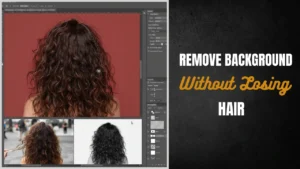
The Fix: Use professional clipping path for product images (or image masking for soft/complex areas like hair and fur) to achieve pixel-perfect, natural-looking edges.
Secret 6: Stop Overexposing Your Products
Pushing exposure too far to force a white background often washes out textures, colors, and delicate highlights — especially on light-colored items.
Fix: Expose correctly for the product first, then handle background whitening safely in post-production using color correction.

Secret 7: Consistency at Scale (The Template Workflow)
Different lighting, crops, or color balances across products make your brand look unprofessional.
Pro Tip: Build and reuse one editing template with consistent cropping, padding, and white point settings.
Secret 8: Product-Specific Shadow Strategies
Different products need different shadow treatments:
- Jewelry: Mirror reflection shadows to enhance sparkle and a luxurious feel.
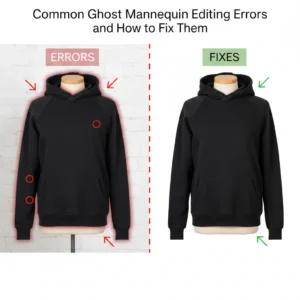
- Apparel: Ghost mannequin technique for a clean, natural fit display.
- Electronics & Home Goods: Crisp, clean base shadows that emphasize precision and quality.
Secret 9: Post-Production Is 70% of Success
Even the best studio shots rarely achieve perfect RGB 255 white, balanced shadows, and flawless edges straight from the camera.
Post-production handles critical refinements: background tone adjustment, edge cleanup, dust/blemish removal, shadow balancing, and subtle color correction. Solid products are straightforward, but glass, fine textures, and semi-transparent materials require expert handling.
Secret 10: Outsource Smart for Better ROI
Spending 10 hours editing 20 photos is not an efficient use of your time. Top Amazon sellers outsource bulk editing so they can focus on marketing and product sourcing.
Starting at just $0.25 per image, professional services deliver consistent, high-quality results at scale.
7 Common White Background Photography Mistakes
- Using off-white instead of true RGB 255.
- Overexposing and losing product texture and detail.
- Completely removing all shadows (floating effect).
- Relying on auto-remove tools that create jagged edges or halos.
- Inconsistent styling, framing, or padding across the catalog.
- Using low-resolution images that blur when customers zoom in.
- Including props, text, or clutter on the main product image.
DIY vs. Professional Editing: Which is Better?
| Factor | DIY Editing | Professional Service (Clipping Path Zone) |
| Time Investment | Very High | Low (completely hands-off) |
| Quality | Varies (Medium) | Guaranteed High (100% handmade) |
| Scalability | Difficult | Thousands of images daily |
| Compliance | Hit or Miss | 100% Amazon Guaranteed |
When & Why to Outsource Your Product Photography Editing
As your catalog grows, DIY editing quickly becomes a bottleneck — especially with hundreds of images or complex products like jewelry, apparel, or transparent items.
This is where Clipping Path Zone excels. With 175+ expert designers and the capacity to process thousands of images per day, we deliver 100% handmade quality with no AI shortcuts.
Our specialized services include:
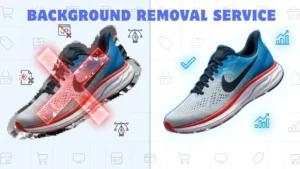
- Clipping Path & Background Removal to pure RGB 255 white
- Shadow Creation (natural, drop, reflection)
- Image Masking for complex textures (hair, fur, mesh)
- Ghost Mannequin for apparel
- Color Correction & Photo Retouching
Enjoy 24/7 English support, fast 6–24 hour turnaround, unlimited revisions, and complete data privacy. Let us handle the editing while you focus on growing your business.
Conclusion: Don’t Let Bad Photos Cost You Sales in 2026
In today’s hyper-competitive Amazon marketplace, “average” photos are no longer enough. A pure white background, balanced shadows, sharp edges, and consistent framing are your fastest path to higher rankings and better conversions.
Don’t let a slightly grey background, jagged edges, or floating products silently kill your sales. Take action today — audit your catalog and apply these 10 secrets.
Ready to transform your listings and boost sales?
Try a Free Trial at Clipping Path Zone or Get a Quote in 30 Minutes. Upload your images today and see the professional difference professional editing makes.
FAQ
How do I check if my background is exactly RGB 255?
Open the image in Photoshop, select the Eyedropper tool, and check the Info panel. The values must read R:255, G:255, B:255.
Can I have shadows on Amazon’s main images?
Yes. Subtle, natural shadows are allowed and recommended — they help the product look three-dimensional and grounded.
What’s the difference between a clipping path and image masking?
Clipping path works best for hard edges using the Pen Tool. Image masking is ideal for soft or complex edges like hair, fur, or transparency.
How much does professional white background editing cost?
At Clipping Path Zone, prices start as low as $0.25 per image, depending on complexity.
How long does it take to get edited images back?
Most orders are delivered within 6 to 24 hours.