Looking for free photo edits without sacrificing quality? You’re not alone. High-end software often comes with a hefty price tag. Many creators feel stuck between paying for expensive tools or settling for bad results.
The good news? You don’t have to pay a fortune for professional-looking images. This guide shows you how to edit photos for free online using the best methods available in 2026. Whether you need a quick fix or a total makeover, these tools deliver pro-quality results for $0.
Many users search for terms like free photo editing tools online, edit images online free without watermark, and free background remover online. This guide covers all of them in one place. You can choose the best option easily.
With years of experience in professional photo editing and working with eCommerce brands, we understand what makes an image convert. We know the difference between a “good” edit and a “selling” edit.
What is free photo editing online?
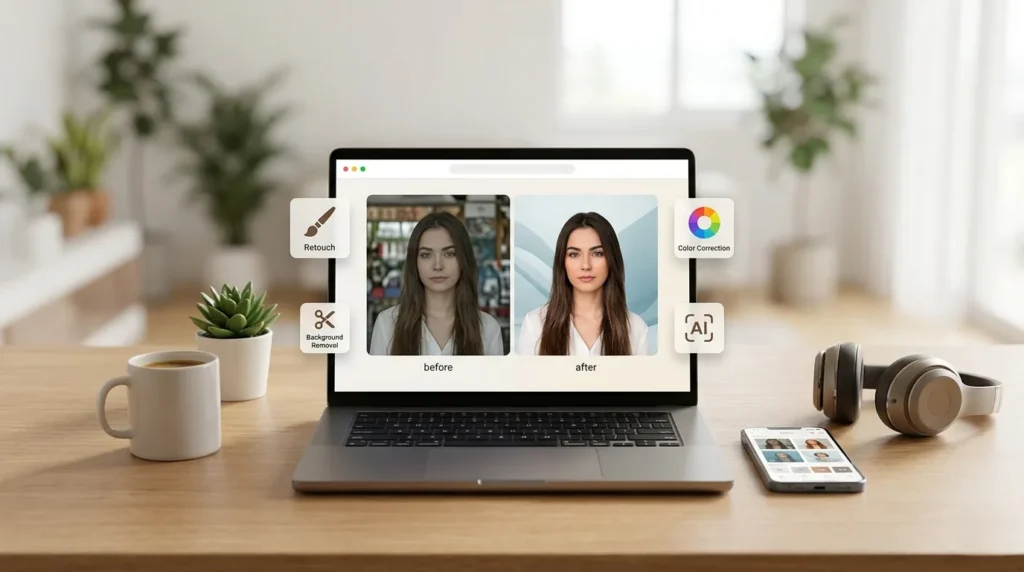
Free photo editing online means using web-based tools to enhance images without downloading software or paying money. These tools allow you to remove backgrounds, retouch photos, and adjust colors directly from your browser.
What Are Free Photo Edits?
Free photo edits are high-quality enhancements made to your images at zero cost. You can find many web-based tools that handle complex tasks.
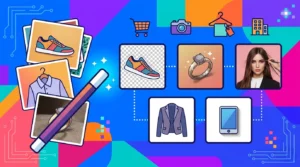
Common types of free edits include:
- Background removal: Cutting out the subject cleanly.
- Retouching: Fixing skin or removing unwanted objects.
- Color correction: Making the lighting look natural.
These services are perfect for e-commerce sellers, photographers, and social media marketers. They help you look professional on a budget.
10 Best Ways to Get Free Photo Edits Online
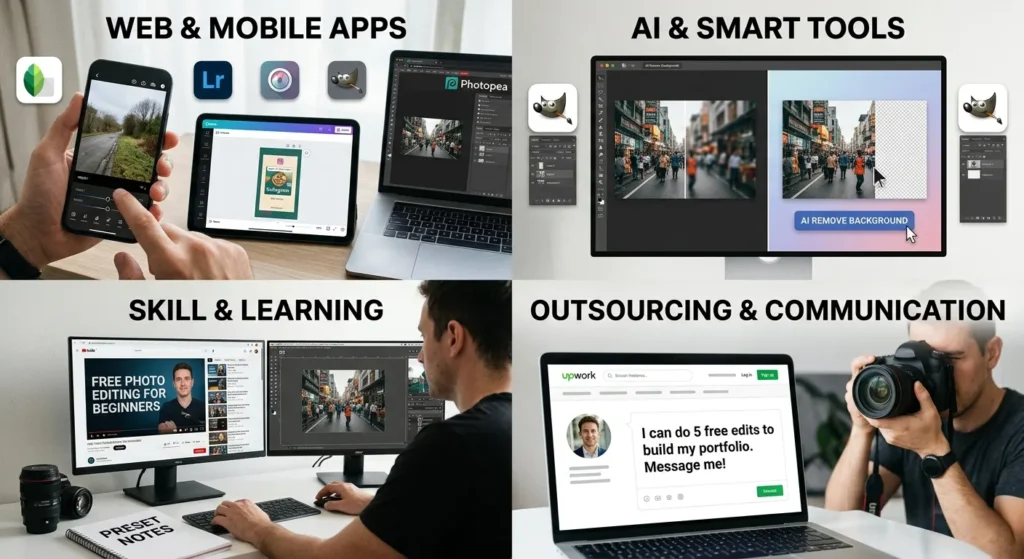
- Use Free Online Photo Editors: Websites like Canva, Photopea, and Pixlr are game-changers.
- Canva: Best for social media design and beginners.
- Photopea: A full Photoshop alternative that runs in your browser.
- Pixlr: Fast editing with integrated AI tools.
- Try AI Photo Editing Tools: AI tools are faster than ever. They can upscale images or remove backgrounds in one click. While AI is fast, it isn’t always perfect. Use AI for simple tasks. Always check the details afterward.
- Use Free Trials from Professional Services: Many professional editing companies offer a free trial. This is a great way to get expert-level work for free. You can test their quality before deciding to buy more.
- Use Free Mobile Apps: Apps like Snapseed and Lightroom Mobile are powerful. They offer professional-grade tools right on your phone.
- Open-Source Software: GIMP is the best open-source software available. It is a complete desktop program. It has almost every feature found in paid software.
- Freelancers or Work Exchange: Some new freelancers offer free edits to build their portfolios. You can also trade your skills for their editing time.
- Learn via YouTube Tutorials: The best “free” tool is your own skill. Thousands of creators teach you how to use free software step-by-step.
- Use Free Presets & Filters: Presets can change the mood of your photo instantly. Many photographers share free Lightroom presets online.
- Social Media Editing Tools: Don’t ignore built-in tools. Instagram and TikTok have advanced filters and lighting controls.
- Smart Outsourcing (Best ROI): Sometimes, your time is worth more than money. Outsourcing to low-cost experts ensures your images look 100% professional every time.
Best Free Picture Editing Software Online
| Tool | Best For | Limitation |
| Canva | Beginners / Social Media | Limited manual control |
| Photopea | Photoshop Alternative | Complex interface for some |
| Pixlr | Quick Edits | Includes ads on the free version |
Real Examples of Free Photo Edits
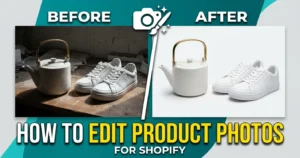
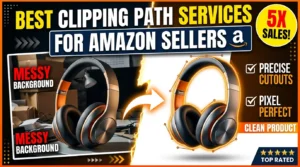
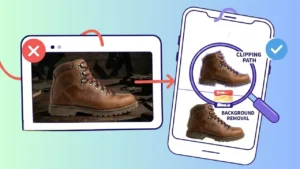
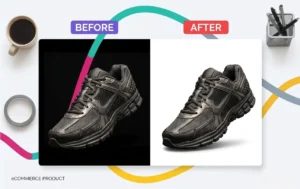
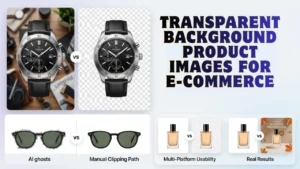
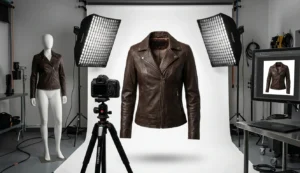
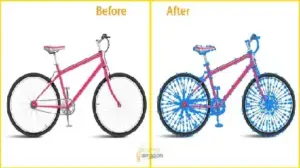
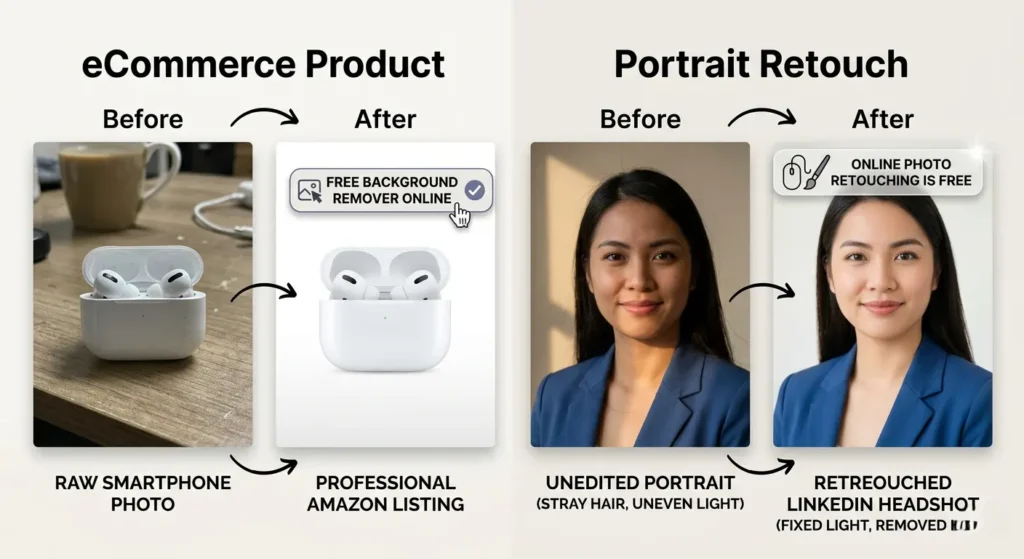
- eCommerce Product: A raw smartphone photo becomes a professional Amazon listing after a free background remover online session.
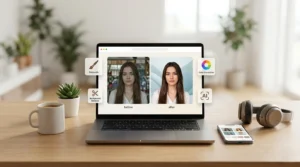
- Portrait Retouch: Using online photo retouching is free to fix lighting and remove a stray hair for a LinkedIn headshot.
Pros and Cons of Free Photo Editing
Pros:
- 100% free.
- Easy access from any browser.
- Great for beginners.
Cons:
- Limited quality for complex edits.
- Very time-consuming.
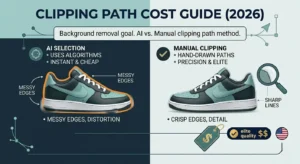
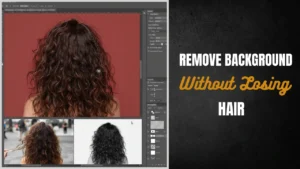
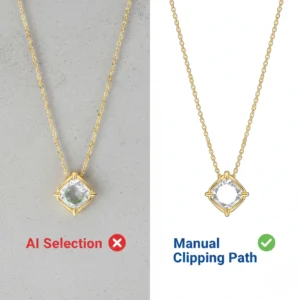
- AI often makes mistakes on hair or fine edges.
Common Mistakes in Free Photo Editing
- Over-editing images: Making colors look “fake” or too saturated.
- Ignoring image resolution: Saving files too small, making them look blurry.
- Using the wrong file format: Not using PNG when you need a transparent background.
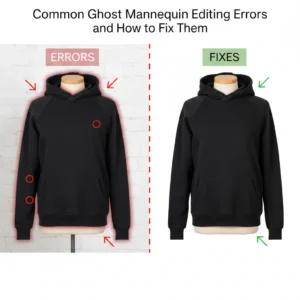
- Relying only on AI: Trusting a machine to handle complex jewelry or hair details.
Pro Tips to Get Better Results
- Use PNG for transparency: This keeps your background clear for different designs.
- Avoid over-editing: Less is usually more. Keep it natural.
- Manual over AI: Use a manual brush tool to fix edges that AI missed.
- Zoom to 200%: Always check your work closely before you finish.
When Should You Use Free Photo Editing vs. Paid Services?
- Personal Use: If you are editing travel photos or family shots, free tools are perfect.
- Business Use: If you are building a brand, you need Professional Photo Editing. High-end results lead to higher sales. AI cannot match a human expert for complex Clipping Path Service needs.
Free Tools vs. AI vs. Professional Editing
- Free Tools: Best for creativity and low budgets.
- AI Tools: Best for speed and basic upscaling.
- Professional Services: Best for Photo Retouching Service and pixel-perfect accuracy.
Why Professional Editing Still Wins 🔥
Free tools are getting better. But for business, professional editing still wins. Here is why:
- Hand-drawn clipping path: AI misses small details. Humans ensure every curve is perfect.
- Pixel-perfect quality: Pros fix things that automated filters can’t see.
- eCommerce-ready images: Images meet Amazon or eBay standards instantly.
- Bulk image processing: Editing 500 photos yourself takes days. A pro team does it in hours.
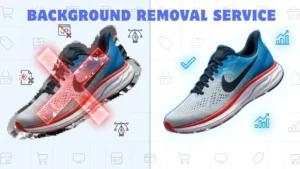
If you want flawless results without wasting hours, professional editing is the best choice. Use our Background Removal Service to save time and boost sales.
Related Services for Better Results
- Background Removal Service
- Clipping Path Service
- Photo Retouching Service
Get Your Free Trial Today
Do you need a professional? Test the quality yourself at no cost. Many top-tier services offer a free trial edit. This is the smartest way to get expert free photo edits online.
Upload your image now and get your first edit FREE within 24 hours. Experience the difference in professional quality.
FAQ
Is free photo editing safe?
Yes, tools like Canva or Photopea are safe. Avoid downloading files from suspicious pop-ups.
Which free photo editor has no watermark?
Canva and Photopea allow you to export without watermarks on their free versions.
Can AI replace manual editing?
AI is fast but lacks a “human eye.” For high-end fashion, manual editing is still much better.
Can I edit product photos for free for Amazon?
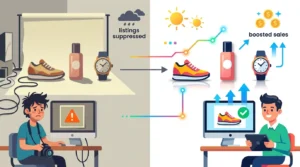
Yes, but be careful. Amazon has strict rules about white backgrounds. Pros ensure you don’t get your listing rejected.
Conclusion
Getting free photo edits is easier than ever in 2026. You can use free image editing tools, mobile apps, or AI. These are perfect for social media or personal projects.
However, if you are running a business, quality is everything. Professional services save you time and give you a polished look.
Ready to level up? Use free tools for fun, but use pro services for your big launches.